


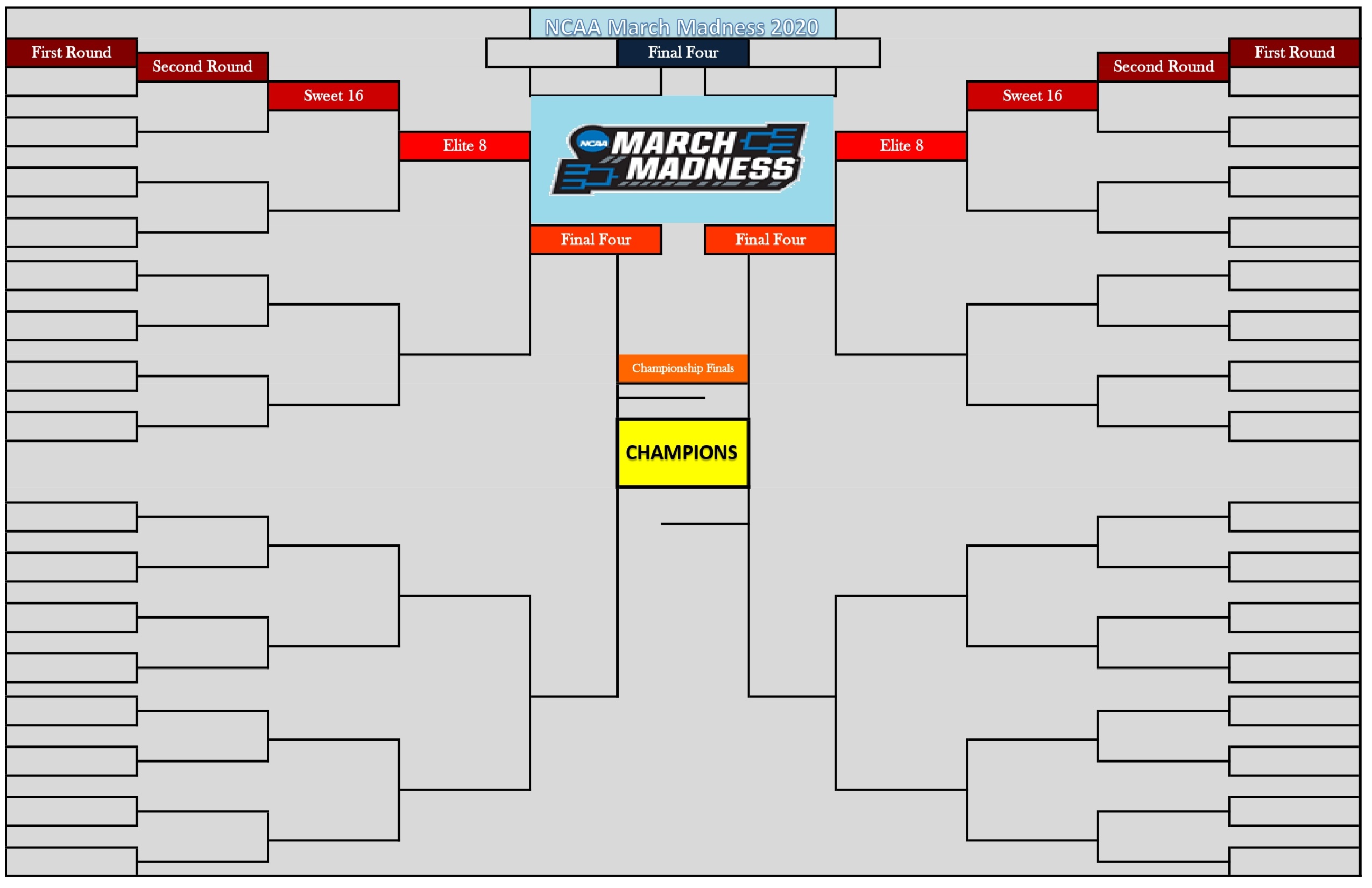
Are you ready to fill our Empty NCAA March Madness Bracket for 2020? As of today (Feb. 20), only 24 days remaining until Selection Sunday, when the final March Madness 2020 bracket will be revealed, along with the seeding, First Four Out, and more. Will you make the right predictions?
Empty NCAA March Madness Bracket for 2020 Tournament
This year’s NCAA March Madness Bracket is less than a month away from being revealed. Fans have already started studying the different states of the 2019-2020 regular seasons, so they can pay attention to the different stats used to pick the final 68 teams. The odds of getting the bracket right are 1 in 9.2 quintillions. So, even though you may think you have the right bracket, chance says you probably don’t. We don’t mean to discourage you, but we want to give you a better approach to winning some bets.
How to pick the right March Madness teams?
Even though the NCAA applies a rather renowned method of selecting the teams, the final bracket is a surprise to everyone each year. Some people use weird methods to pick the teams, while others use logic and algorithms. And we believe the latter method is way better.
Follow the next steps to fill your March Madness brackets for this year:
- First, download the bracket in the format you prefer.
- Then, you can check out the different results from past regular-season games, and the final champions for each conference.
- After that, write down the data in a simple cheat sheet, and compare them.
- Order the teams in that sheet in the best-performance order. You can use different stats to determine which one had a better performance.
- Don’t forget to add the 32 teams with automatic bids for winning conference tournaments.
- Pick the teams at the top and fill out your bracket up to the last spot.
And that’s it. You can do all of this using Excel and print out the final bracket seats. Check out here the date of Selection Sunday so you can see if you made the right choices.


Download the best Empty NCAA March Madness Bracket 2020.
We have prepared for you three different versions of the same blank bracket, each one being more useful than the other, depending on the type of device you use it with.


The JPG version is easy to edit in mobile devices, like tablets and smartphones. The PDF version is also great for mobile devices, but its main purpose is printing. And finally, the XLSX version is the best customizable option (edit it using Google Sheets or Microsoft Excel)


Victor has worked with PrinterFriend.ly for over two year and has authored hundreds of articles for the site.
As a physical therapist, a professional cook, and a self described “bird-lover,” Victor is a freelancer who enjoys writing about those topics; specifically on fitness, nutrition, education, and pets. All of these interests are in addition to his true passion as a content creator primarily helping webmasters create quality, interesting and SEO-optimized content.
You can learn more or contact Victor via his full author profile.